Reports can be generated in CirrusFM on quotes, workorders and supplier insurance.
- To access the reports, click on Reports.
- This will take you to a new screen on the side you can select by Quotes, Workorders or Suppplier Insurance.
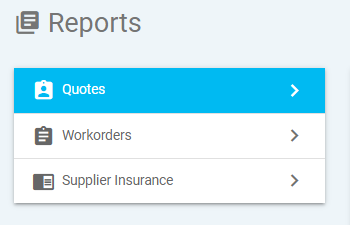
Quotes and Workorders
- These reports can be filter to suit your needs, you can search by a specific portfolio, property or supplier.
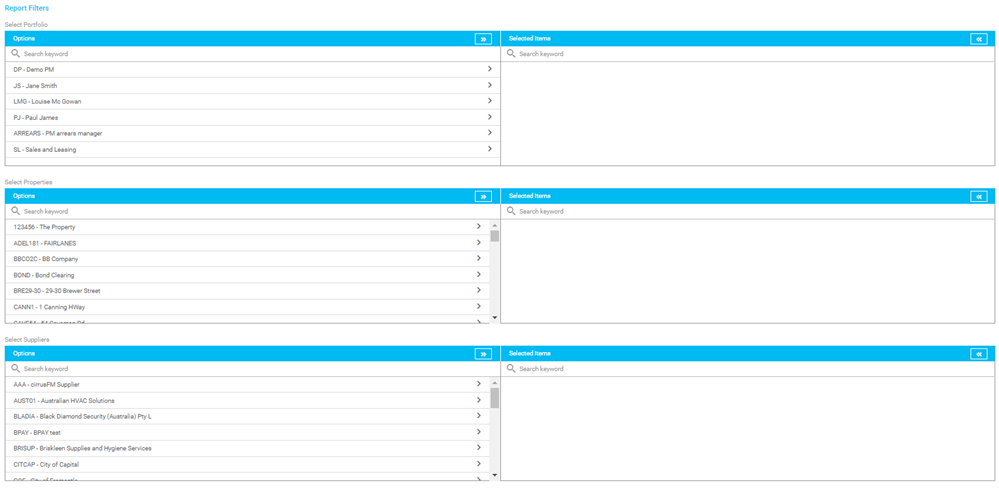
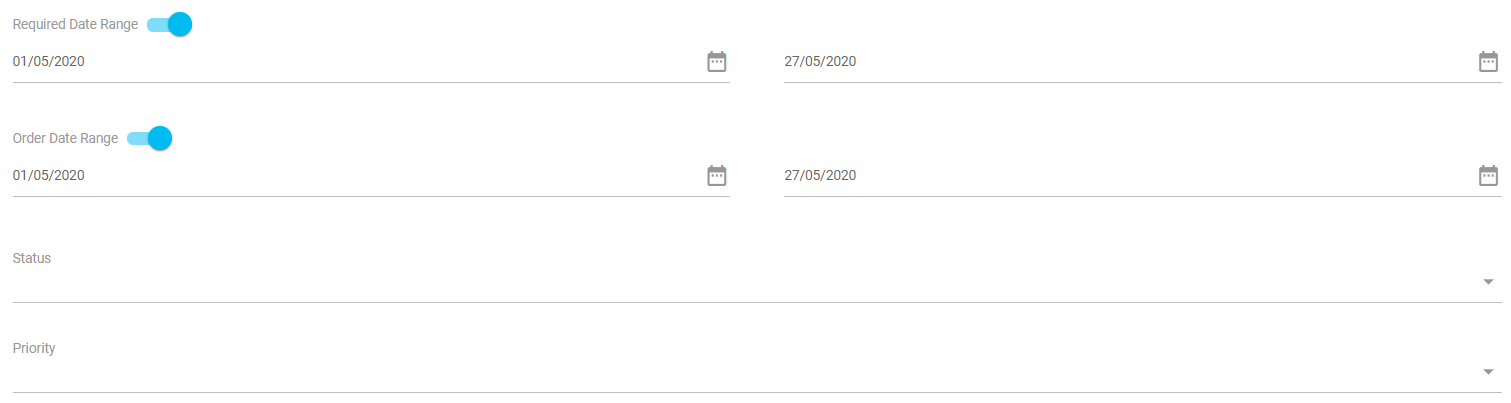
- The search can also be filter by the following:
- The required dates or order dates. There are toggles to turn these on or off, for example if you are wanting to view everything outstanding you might turn off the required date and order date.
- The status of the quote or workorder - rejected, waiting for supplier answer, answered or workorder created.
- The priority set on the quote or workorder.
- The report can also include the comments in the report.
- The report can be ordered by supplier, property, required date, status, priority or reference number.
- The report can then be generated to PDF, Excel spreadsheet or print to screen.
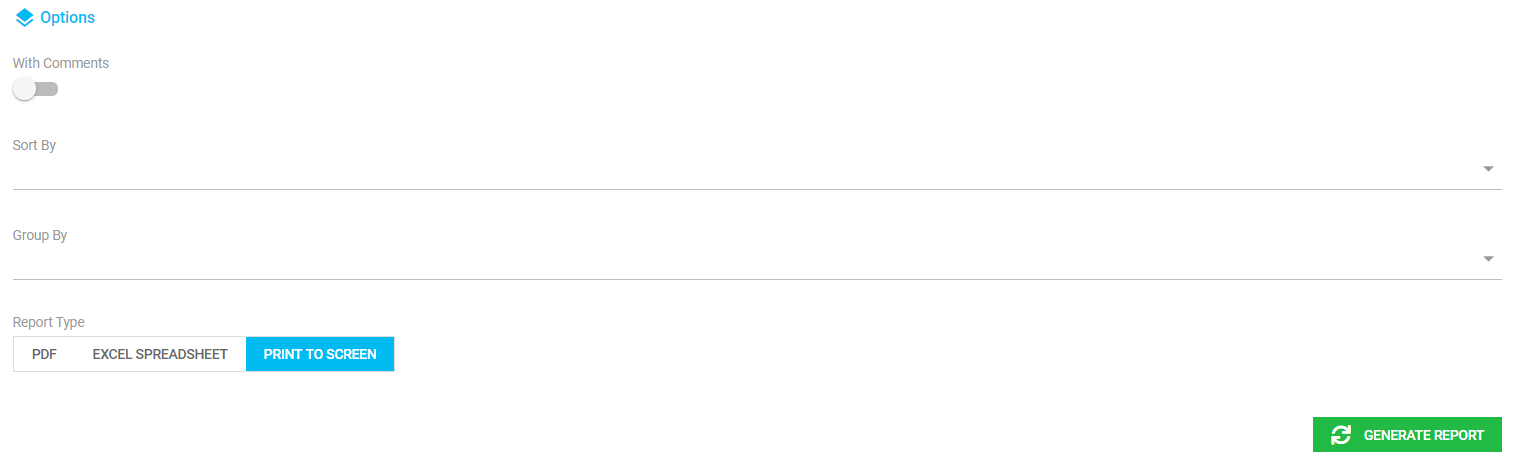
- To then generate the report, just select Generate Report.
Supplier Insurances
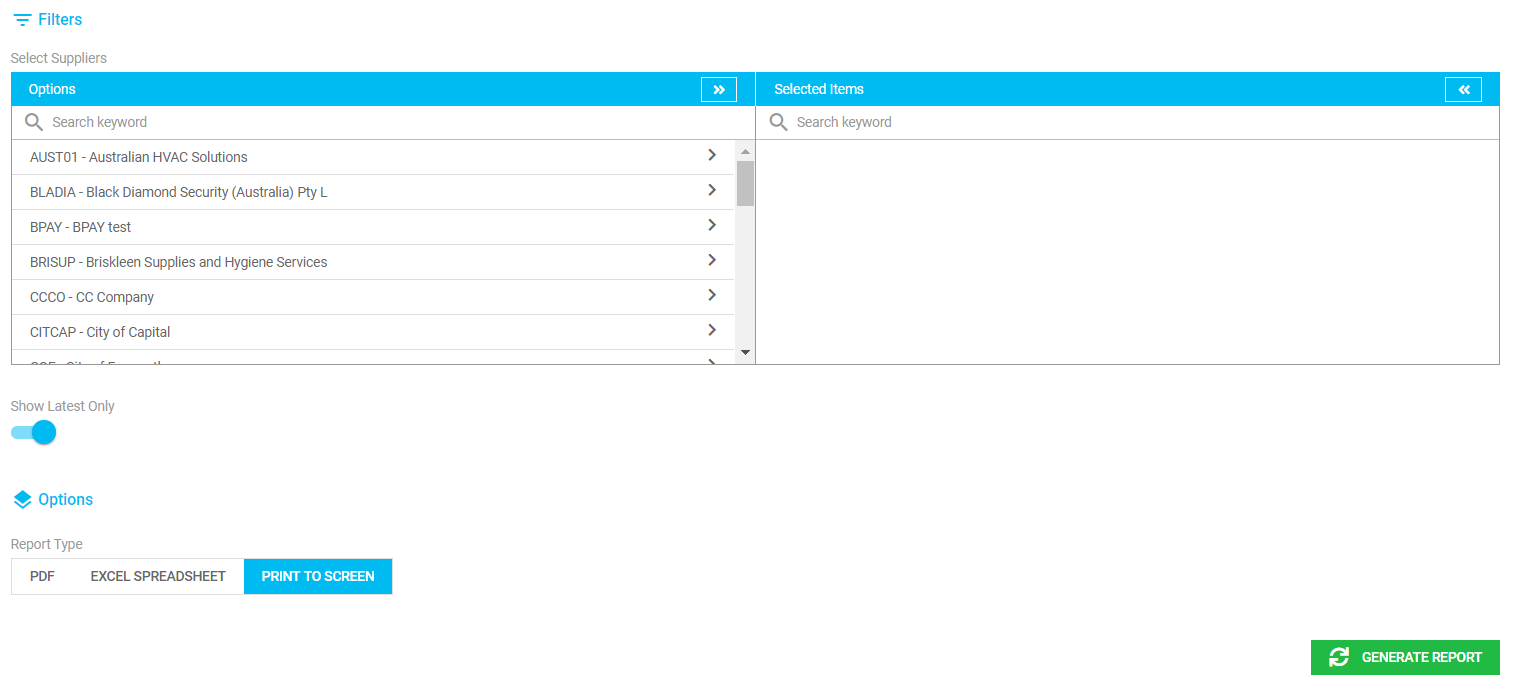
This report will show the different types of insurances set up by supplier.
It can be filtered by:
- Supplier
- Show latest only
- To then generate the report, just select Generate Report.
Was this article helpful?
That’s Great!
Thank you for your feedback
Sorry! We couldn't be helpful
Thank you for your feedback
Feedback sent
We appreciate your effort and will try to fix the article