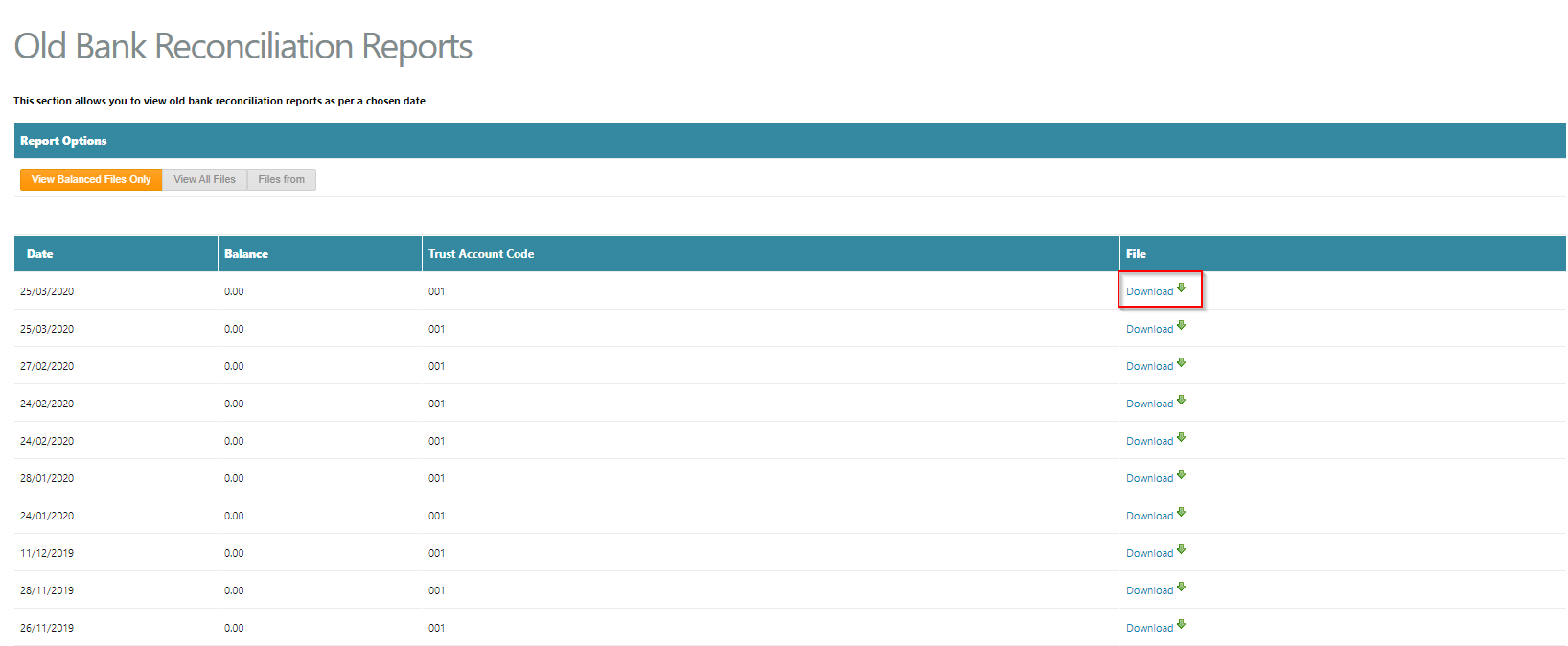
This section allows a Trust Accountant user to view and download previous bank reconciliation reports generated in Cirrus8 by a chosen date.
To do this, follow the below steps:
- Go to Bank Reconciliation > Old Bank Reconciliation Reports
- Select the Report Option -
- View Balanced Files Only - select this option to view only bank reconciliation report that have been balanced
- View All Files - select this option to view all bank reconciliation reports previously generated
- Files From - select a date period to filter the bank reconciliation report results to a specific period
- Click Download next to the relevant bank reconciliation report results
Was this article helpful?
That’s Great!
Thank you for your feedback
Sorry! We couldn't be helpful
Thank you for your feedback
Feedback sent
We appreciate your effort and will try to fix the article