This section allows you to add a cheque book number range to a trust account. This section is part of the initial implementation steps to enter any unpresented cheques from the trust account. This section is located under Trust Accountant user > Bank Reconciliation > Add Cheques.
Note - This step would be completed after Create Update HeaderAdd a Cheque Book Number Range to a Trust Account
- Go to Bank Reconciliation > Add Cheques
- Select a Trust Account from the drop-down menu
- Enter the Cheque Range - From: (First Cheque Number) To: (Last Cheque Number)
- Click Submit
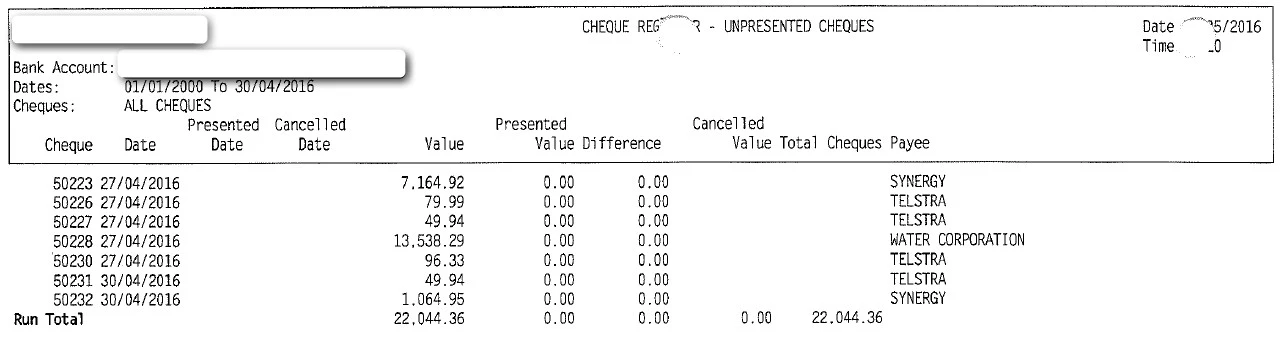
For Implementations, refer to the unpresented cheques portion of the final bank reconciliation report.
Was this article helpful?
That’s Great!
Thank you for your feedback
Sorry! We couldn't be helpful
Thank you for your feedback
Feedback sent
We appreciate your effort and will try to fix the article