Trust Accountant Location: Accounts Receivable > View Paid To Date
Property Manager Location: Leases > View Paid To Date
Note - Take care when using the information generated on As Cirrus8 is an open item system, receipts need to get allocated against individual transactions which normally relate to a charge period, usually monthly. When amounts are partly paid to an invoice, the view paid to date form cannot accurately calculate to which date the tenant has paid.
View Tenant Paid To Date
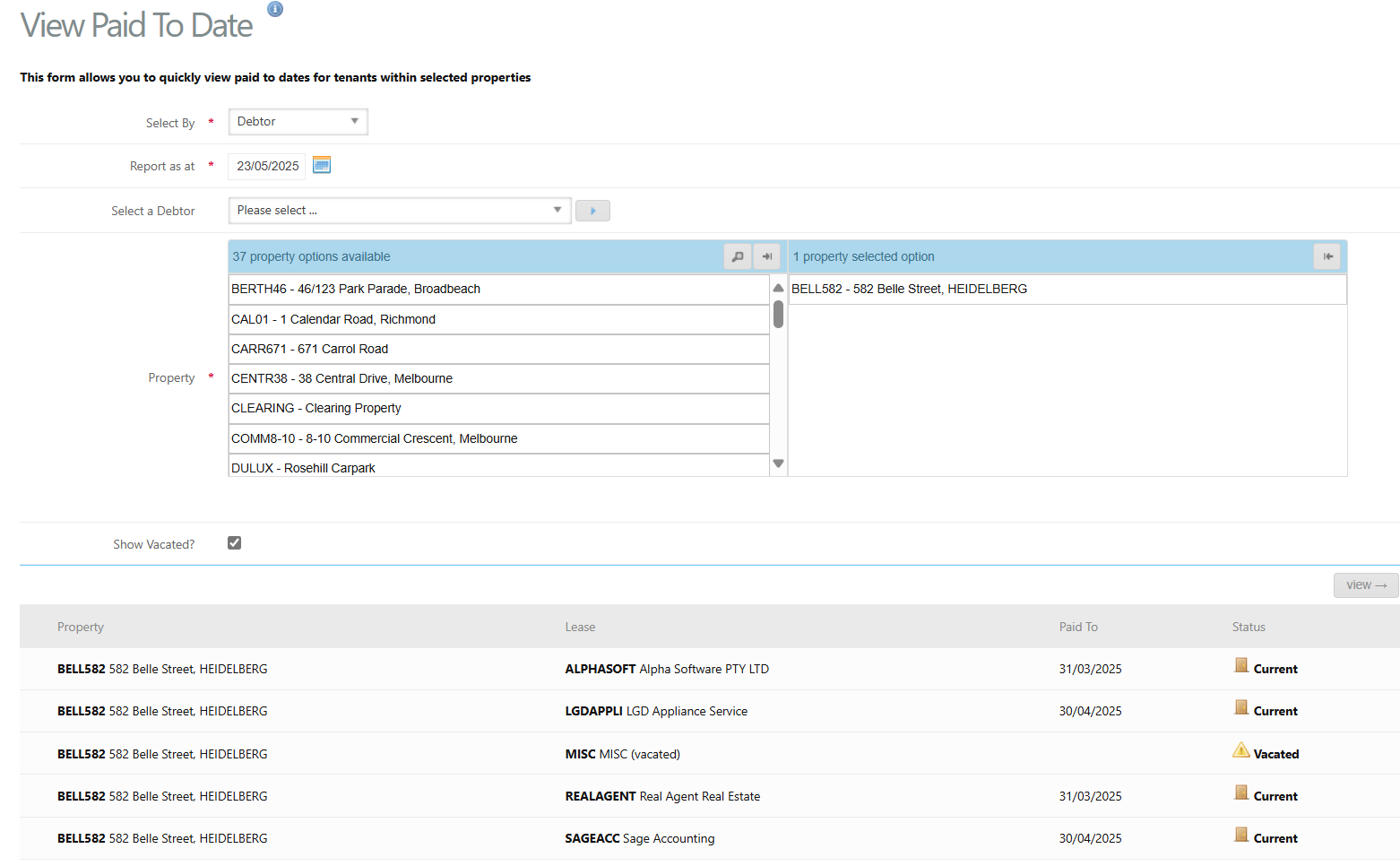
To view paid to dates for tenants, follow the below steps:
- Select By - select to filter the property selection list by Bank Account, Property Manager, Property or Debtor
- Property - Select a single property, multiple or all properties
- Show Vacated? - select the tick box to display vacated leases in the search results
- Click view. This will display the paid to dates next to each lease if applicable. The status of each lease will also be show as Current or Vacated.
Was this article helpful?
That’s Great!
Thank you for your feedback
Sorry! We couldn't be helpful
Thank you for your feedback
Feedback sent
We appreciate your effort and will try to fix the article