Accounts Receviable > View tax invoices
Utilise the filtering tools to search for invoice
Select the correct date range for invoice
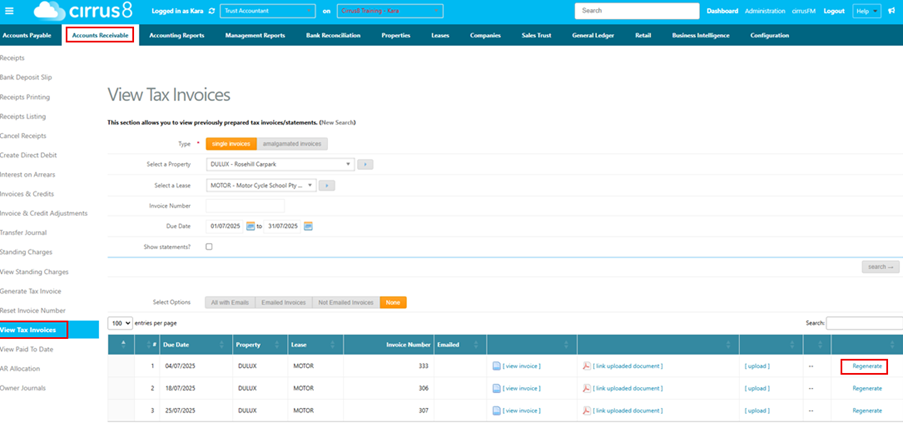
Hovering over the green tick next to the Email hyperlink will show how many times it has been sent to the tenant

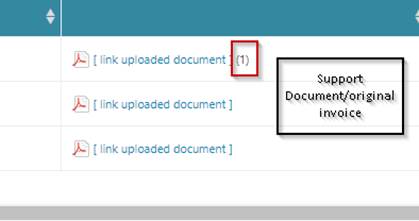
Link uploaded document.
Please Note: if a document is attached it will only ever be sent with the original invoice it will not attach that document to statements if it remains outstanding
If not yet emailed – there will be no date - you click on email and a green tick will appear.
The date will change to be the most recent date you have sent it
Was this article helpful?
That’s Great!
Thank you for your feedback
Sorry! We couldn't be helpful
Thank you for your feedback
Feedback sent
We appreciate your effort and will try to fix the article