Leases > Manage Lease
- Filter to find the correct lease
- Select Lease Notes
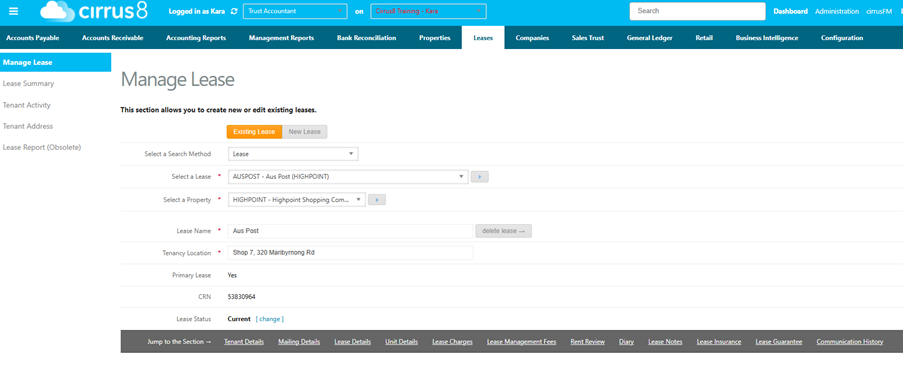
- In lease notes, select the heading ‘Tax Invoice’
- Input the note
- Save

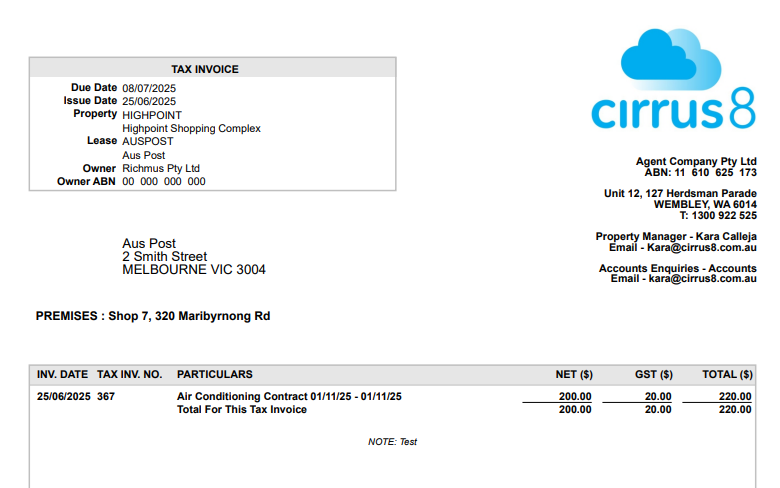
- Once you have created the invoice to send to the tenant, the note will appear as such
Please let me know how I can assist further ?
Was this article helpful?
That’s Great!
Thank you for your feedback
Sorry! We couldn't be helpful
Thank you for your feedback
Feedback sent
We appreciate your effort and will try to fix the article