Portfolio Type
In CirrusFM you can configure the system to allow access to properties in a number of different ways. These are all controlled from the Portfolio Type drop down on the Form Settings page under Administration. This is accessible by your FM administrator users.
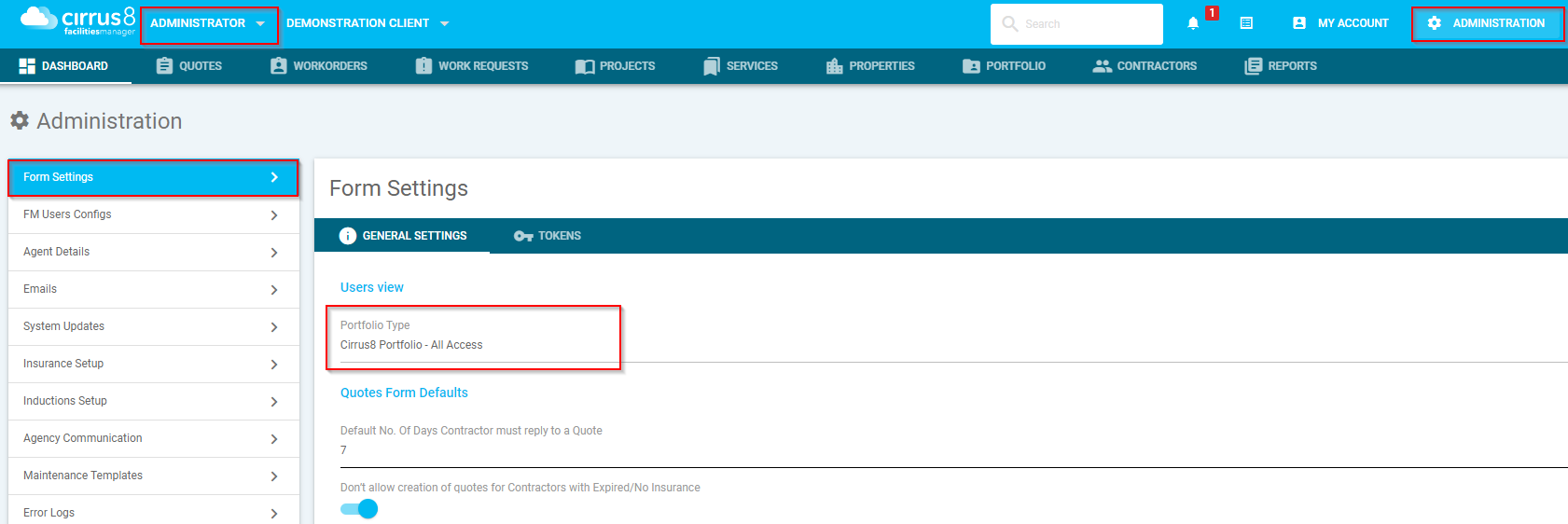
The following are the options available:
- None
- Cirrus8 Portfolio - Access Restricted
- Cirrus8 Portfolio - All Access
- FM Own Portfolio
1. None
None means that all users regardless of type can view all properties in Cirrus FM. Use this is if you need everyone to be able to view each others properties. Doing this will disable the portfolio tab as it is not being used

2. Cirrus8 Portfolio - Access Restricted
Cirrus8 Portfolio - Access Restricted will use the portfolios as defined in Cirrus8. Access Restricted indicates that users will only be able to see properties in their assigned portfolios
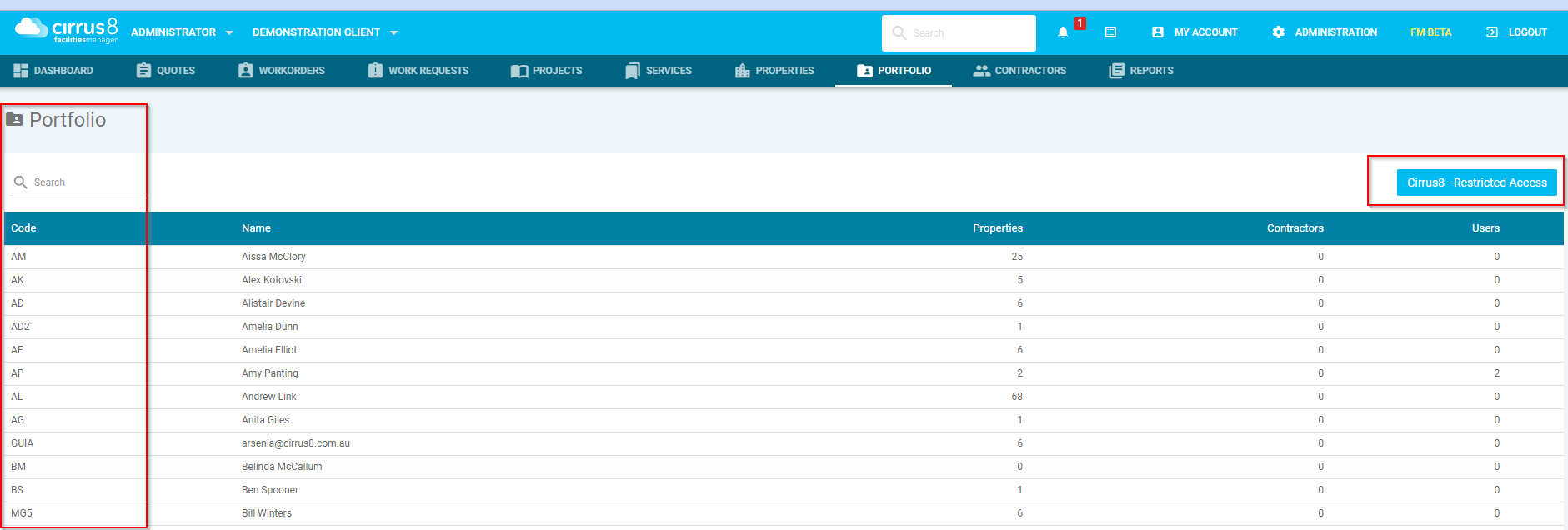
Use this setting if you have your Property Managers act as your Facility Managers and don't want them to interact with other users portfolios
3. Cirrus8 Portfolio - All Access
Cirrus8 Portfolio - All Access will use the portfolios as defined in Cirrus8. All Access indicates that users will only be able to see properties in their assigned portfolios if a portfolio is assigned to their user. Otherwise they will be able to see all properties if they have no portfolio assigned.
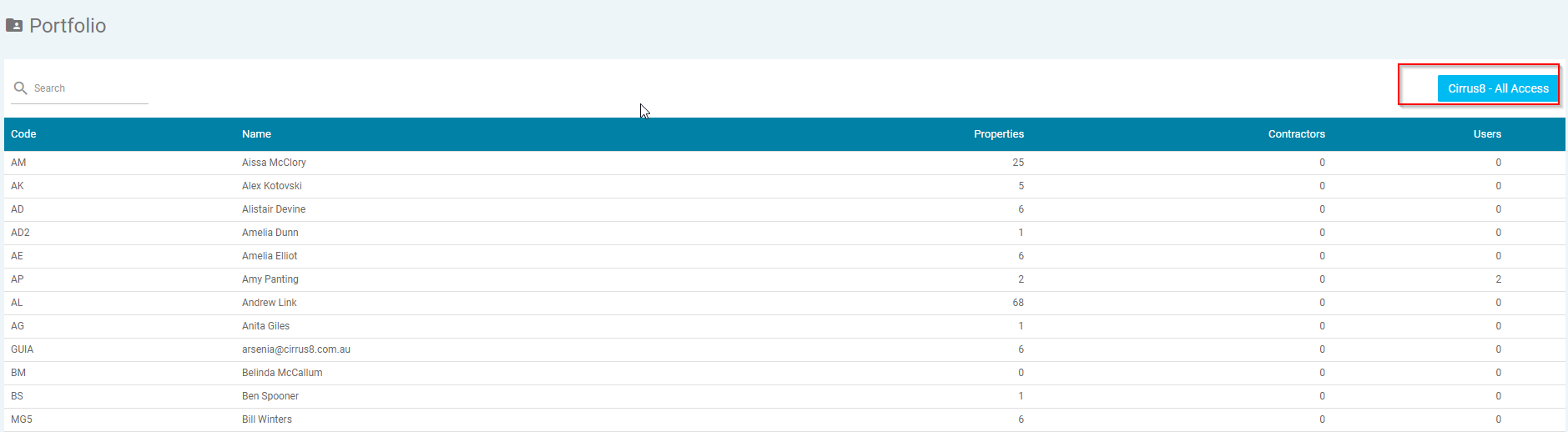
Use this setting if you want Property Managers to be able to access their own portfolios but you have dedicated Facility Managers or Admin staff that would need to be able to assist any of the Property Managers.
4. FM Own Portfolio
FM Own Portfolio will use a custom configuration for portfolios that is in no way connected to the Cirrus8 portfolios. This allows you complete customisation of who can see any properties.
Details on how to configure FM Portfolios are detailed here: FM Portfolio Setup & Configuration
Troubleshooting
My FM/Admin staff can't see any properties!
This occurs with customers that have not updated this since the extra options were added.
You will see this on the portfolio's

however it will behave as if restricted and the options will have the following
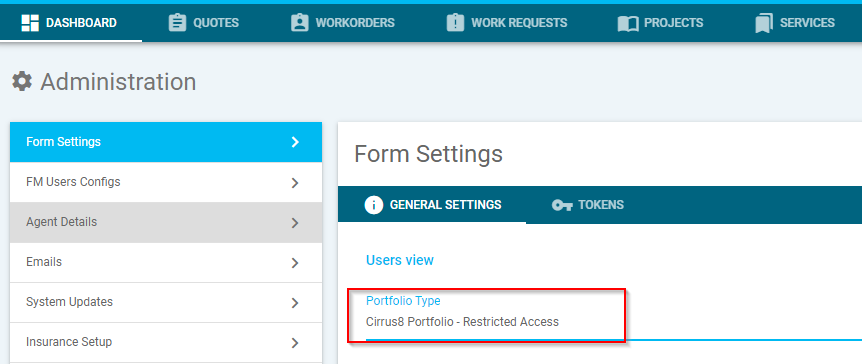
Coming back to this section and resaving your prefered method will resolve the issue.
I can't see a Property Managers Portfolio in FM.
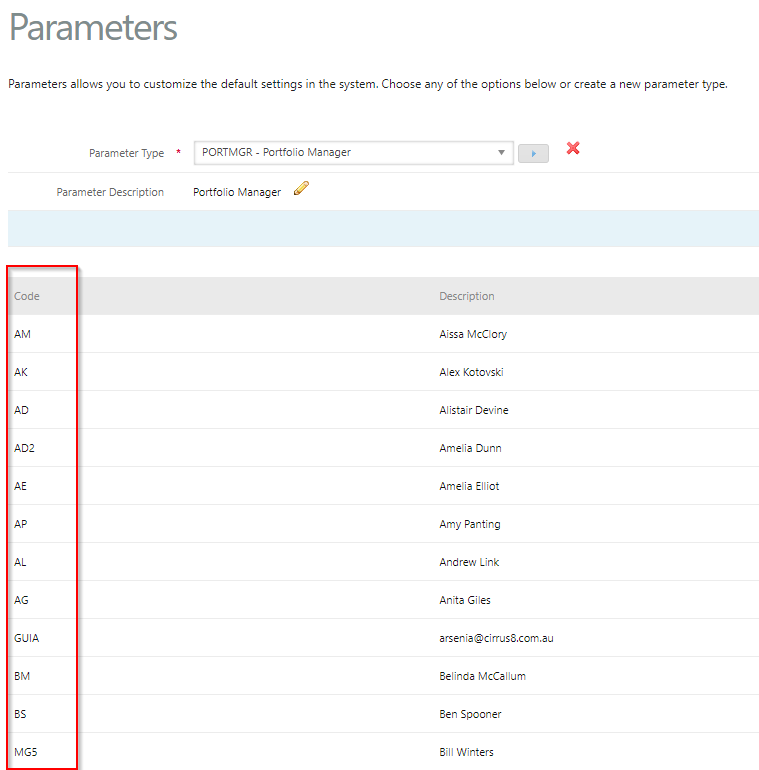
Make sure the Parameters for Portfolio managers are added under Configuration > System Parameters (Needs Trust Accountant Access)
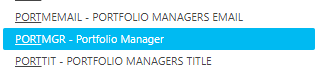
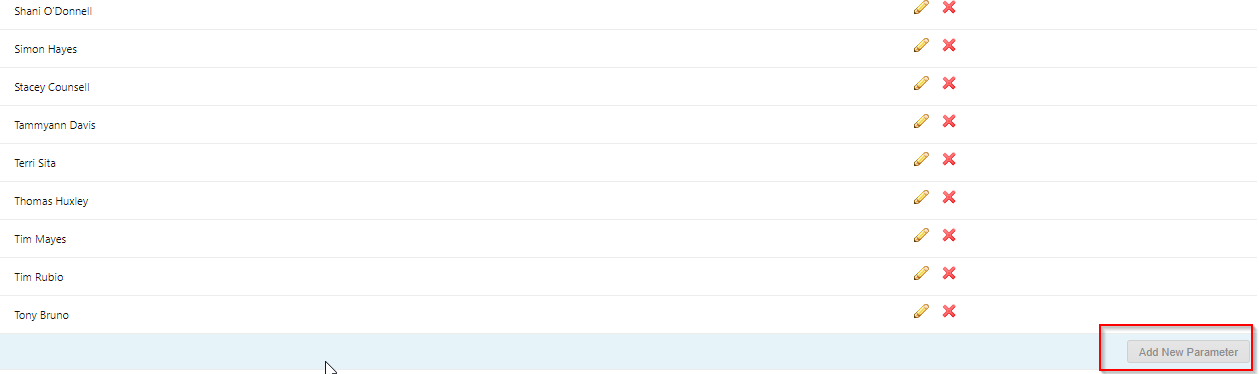
open each one scroll to the bottom of the list and click Add New Parameter
Was this article helpful?
That’s Great!
Thank you for your feedback
Sorry! We couldn't be helpful
Thank you for your feedback
Feedback sent
We appreciate your effort and will try to fix the article