This article covers how to manage email body templates within the Admin Portal. These email templates are emailed out from Cirrus8, such as email signatures and remittance advice emails.
View and Edit Email Templates
To view the current email templates set up against your Cirrus8 database, go to Admin Portal > Email Configurations.

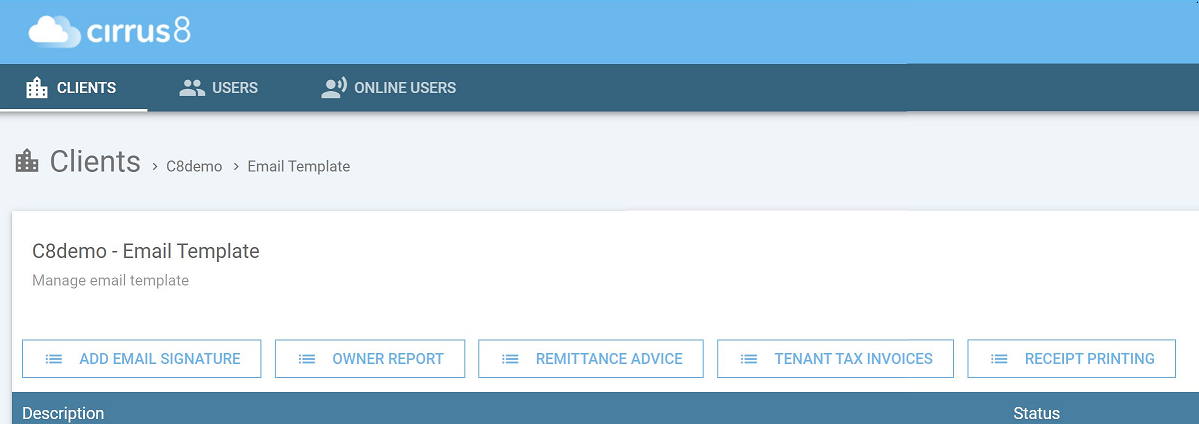
From here a Local Admin user can configure, edit and view the following email templates:
- Email Signature
- Owner Report
- Remittance Advice
- Tenant Tax Invoice
- Receipt Printing
Was this article helpful?
That’s Great!
Thank you for your feedback
Sorry! We couldn't be helpful
Thank you for your feedback
Feedback sent
We appreciate your effort and will try to fix the article