In the Reports tab, you can generate the following reports:-
- Quotes
- Workorders
- Repeating Workorders
- Works Requests
- Projects
- KPI Reports
- Maintenance
- Check In Logs
- Contractor Insurance
Quotes, Workorders and Repeating Workorders
These reports can be filtered to suit your needs and gives you the option to search by a portfolio, property, contractors or services.
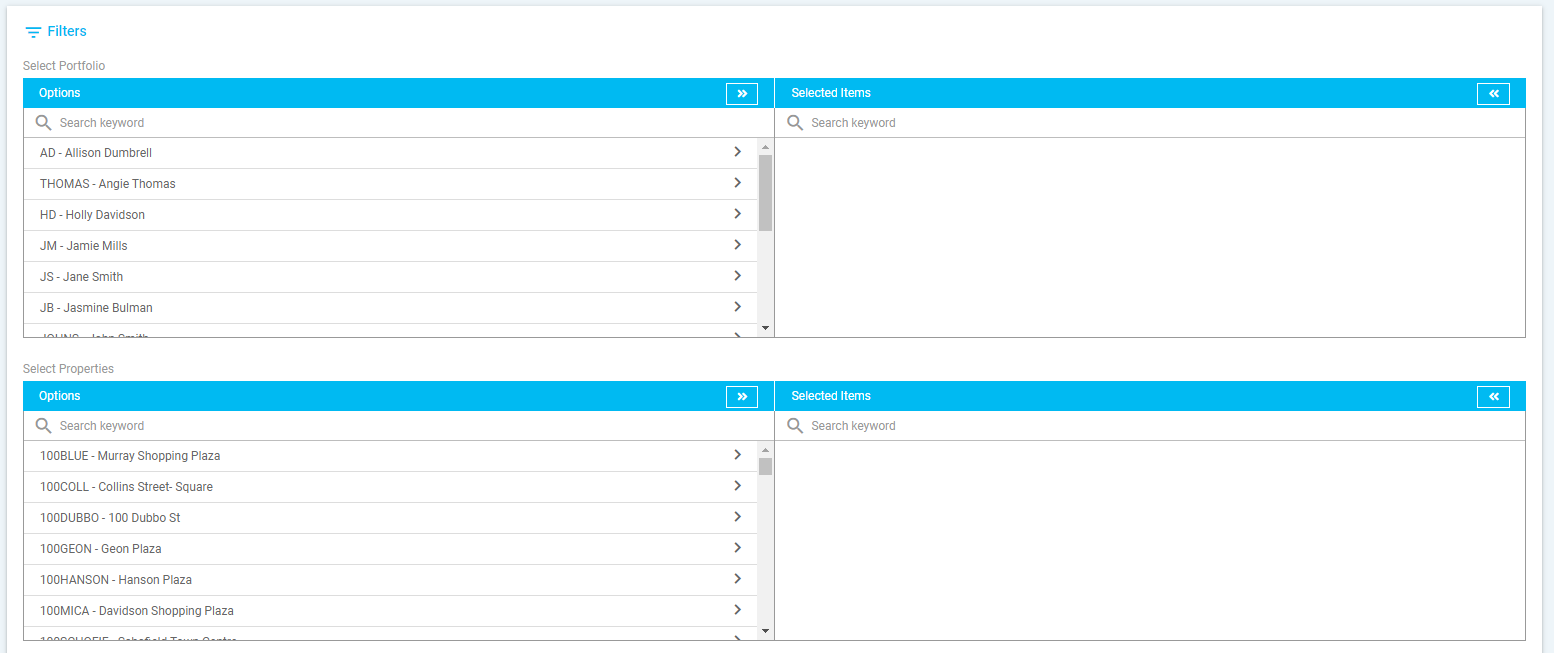
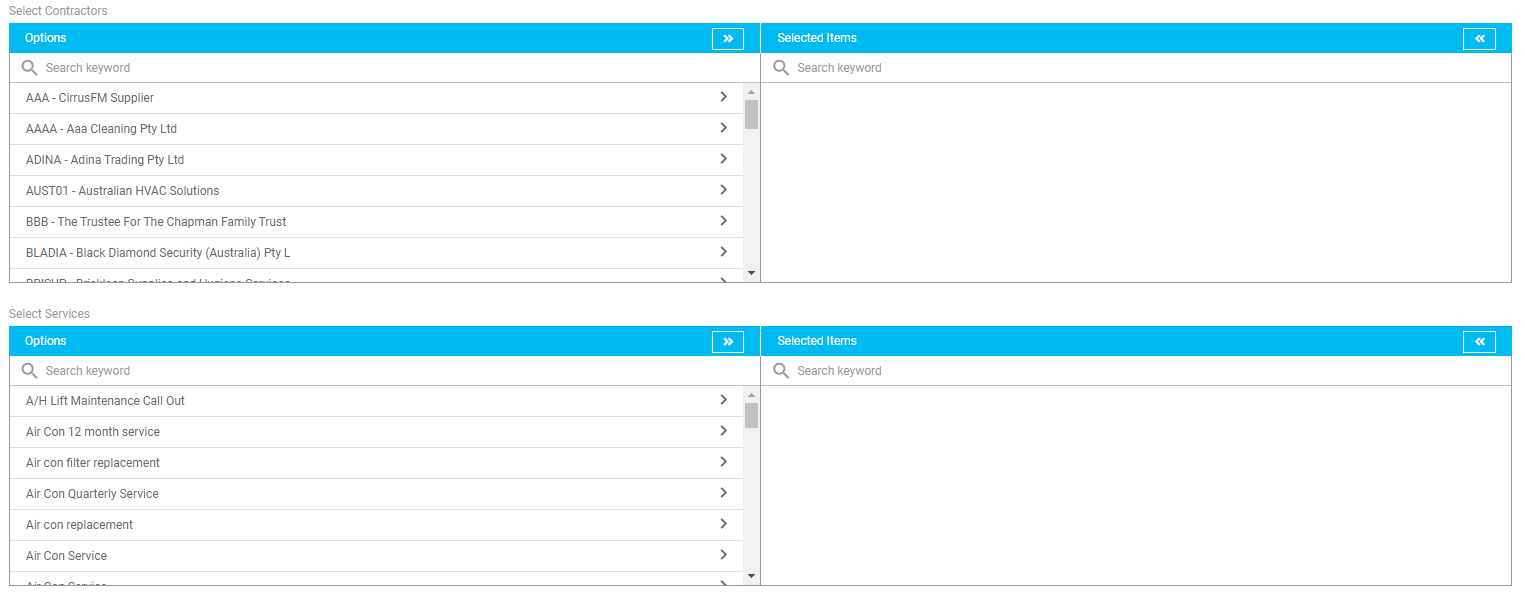
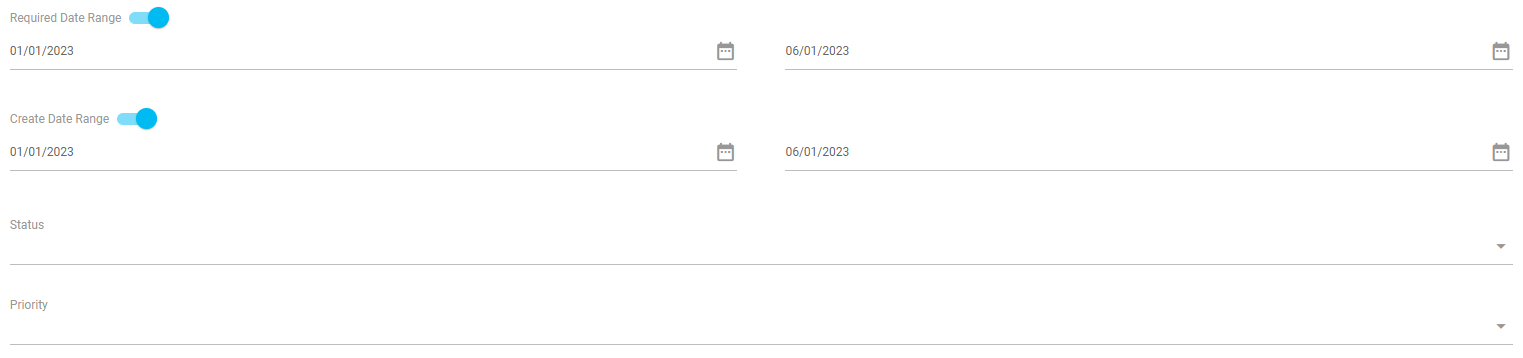
The search can also be filtered by:-
- Require Date Range - Turn on toggle to enter required date range
- Order Date Range - Turn on toggle to enter order date range
- Status - Select status of the of the quote, workorder, repeating workorder or work requests from the drop-down menu
- Priority - Select priority set for the quote, workorder, repeating workorder or work requests from the drop-down menu
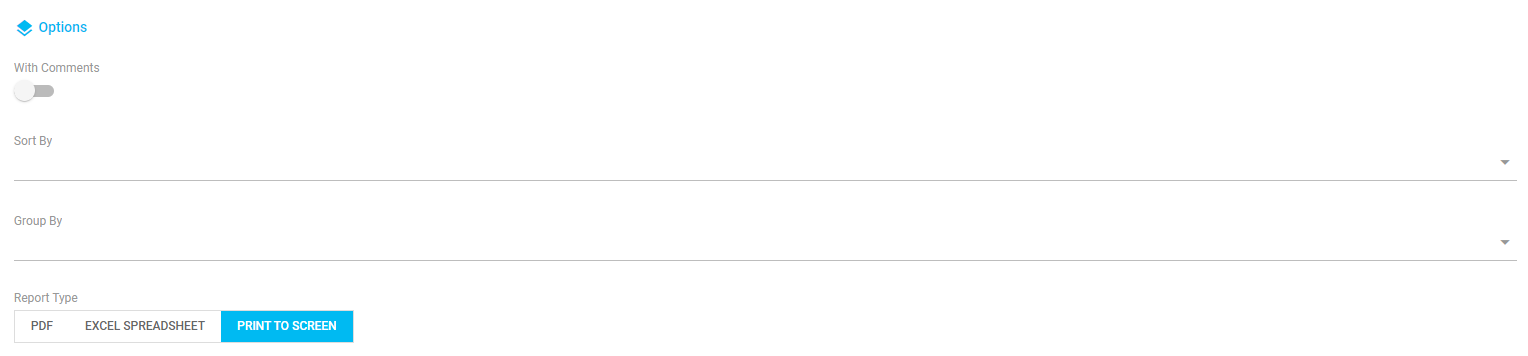
Under Options, you can include or sort the reports by:
- With Comments - Turn on toggle to include comments
- Sort by - Select to order the report by contractor, property, required date, status or priority from the drop-down menu
- Group by - Select to group the report by property or contractor from the drop-down menu
- Report Type - Select to generate the report to PDF, excel spreadsheet or print to screen
Once the filters and options have been selected, click 'Generate Report' to generate report as per the selected search filters.

Work Requests
This report can be filtered and allow you to search by a portfolio, property or services.
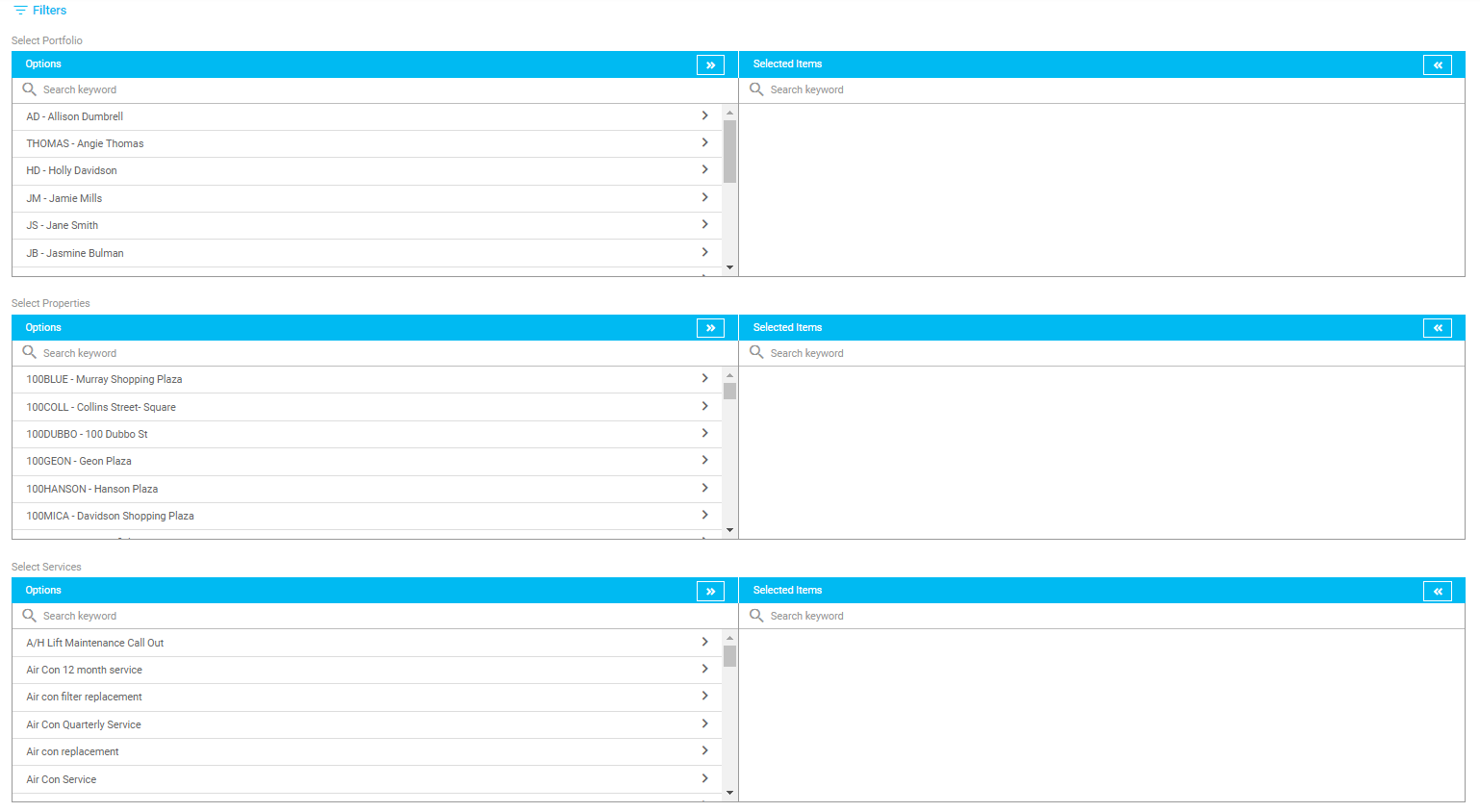 The search can also be filtered by the required date range, create date range, status and priority.
Under Options, you can include comments by turning on the toggle, select a sort by option from the drop-down menu, select a group by from the drop-down menu and select a report type (PDF, excel worksheet or print to screen).
Click 'Generate Report' to generate report as per the selected search filters.
Projects
This report can be filtered and allow you to search by a properties, include project variations (by turning on the toggle), projects and create date range.
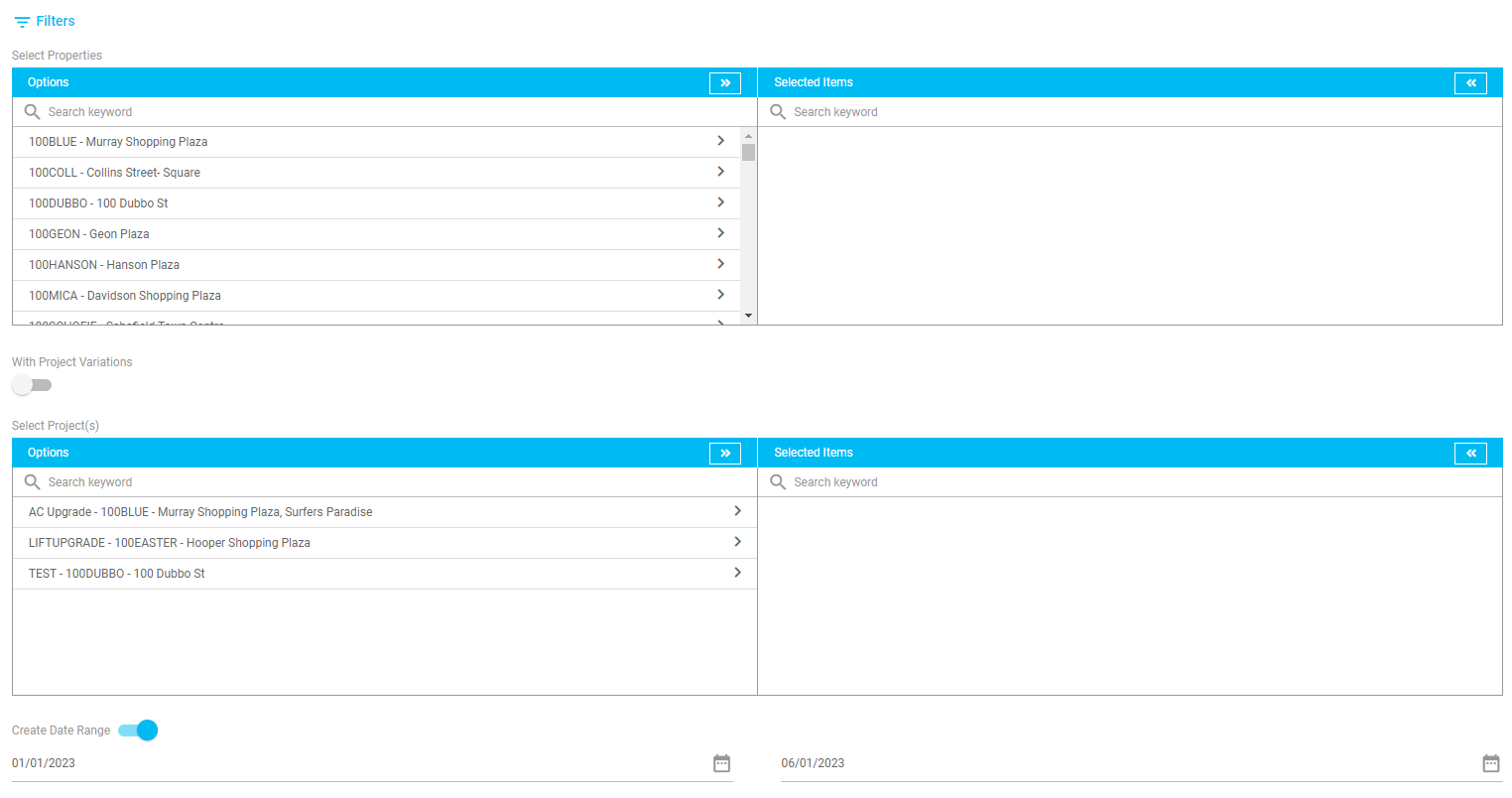
Under Options, you can turn on the toggle to include line details and select a report type to generate (PDF, excel spreadsheet or print to screen.
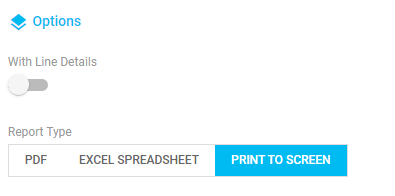
Click 'Generate Report' to generate report as per the selected search filters.
KPI Report
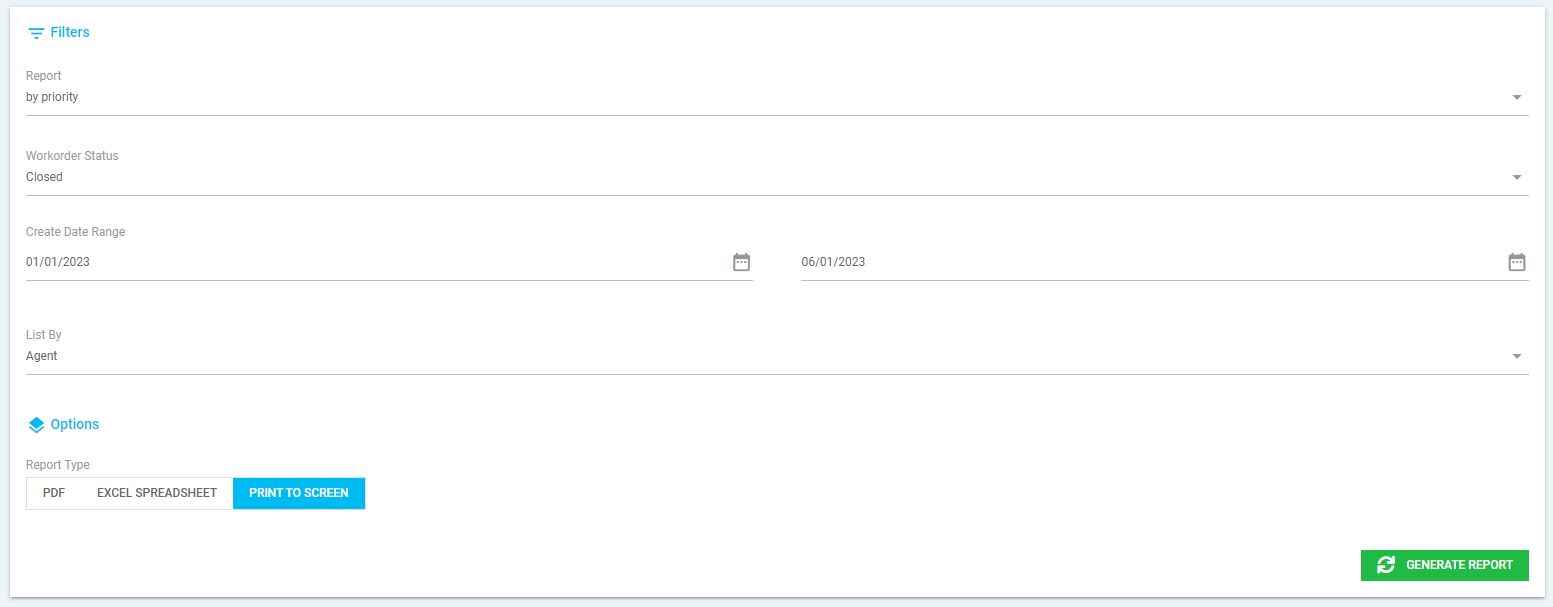
This report can be filtered to suit and allow you to report by priority or status, search by the workorder status and create date range, select to list by agent or portfolio manager and the option to select a report type (PDF, excel spreadsheet or print to screen).
Click 'Generate Report' to generate report as per the selected search filters.
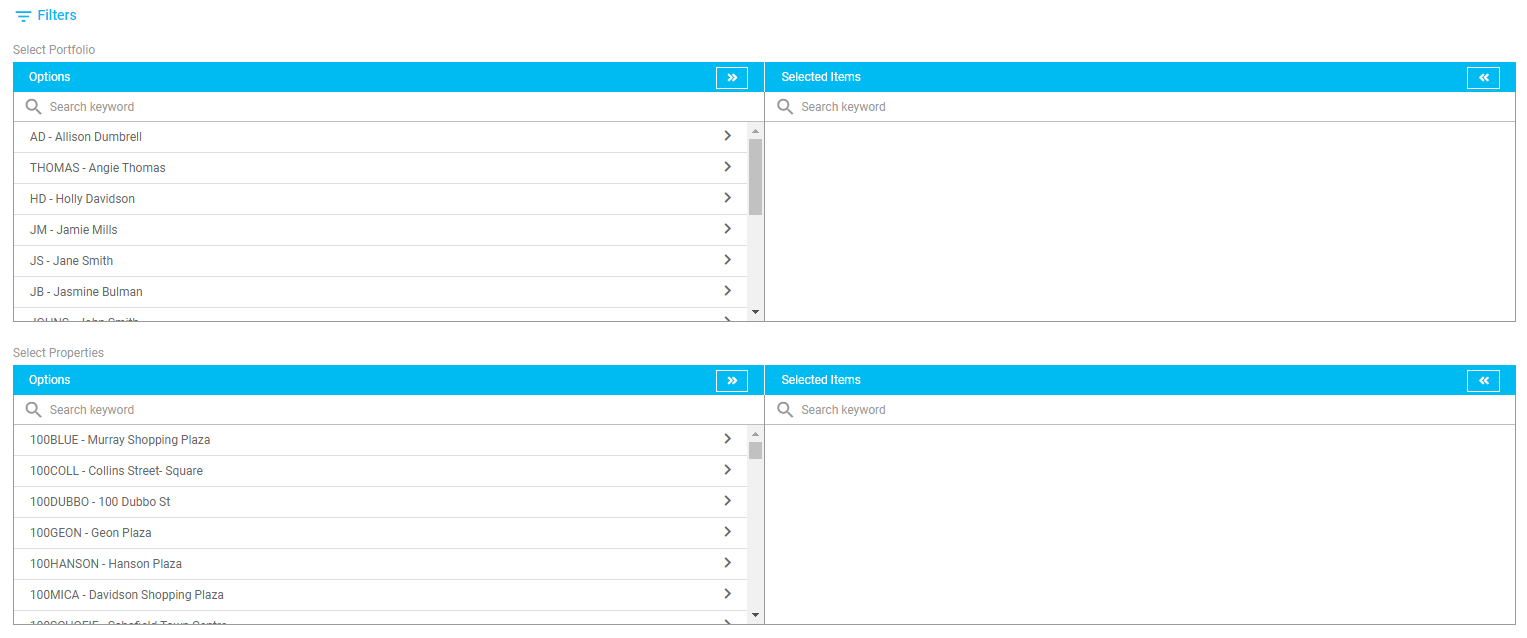
Maintenance
This report can be filtered to suit and allows you to:
- Search by portfolio or properties
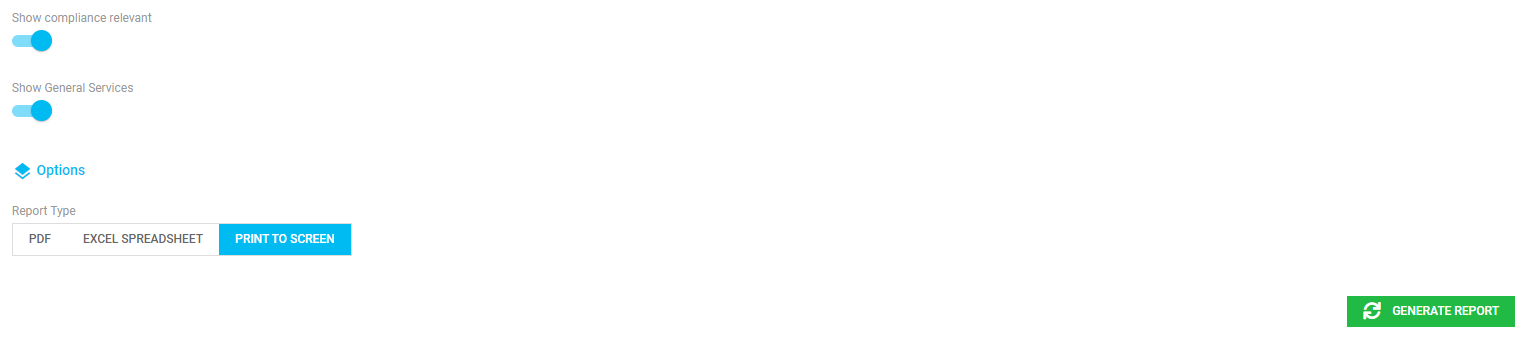
- Show compliance relevant by turning on the toggle
- Show general services by turning on the toggle
- Option to select PDF, excel worksheet or print to screen as the report type
- Click 'Generate Report' to generate the report
Check In Logs
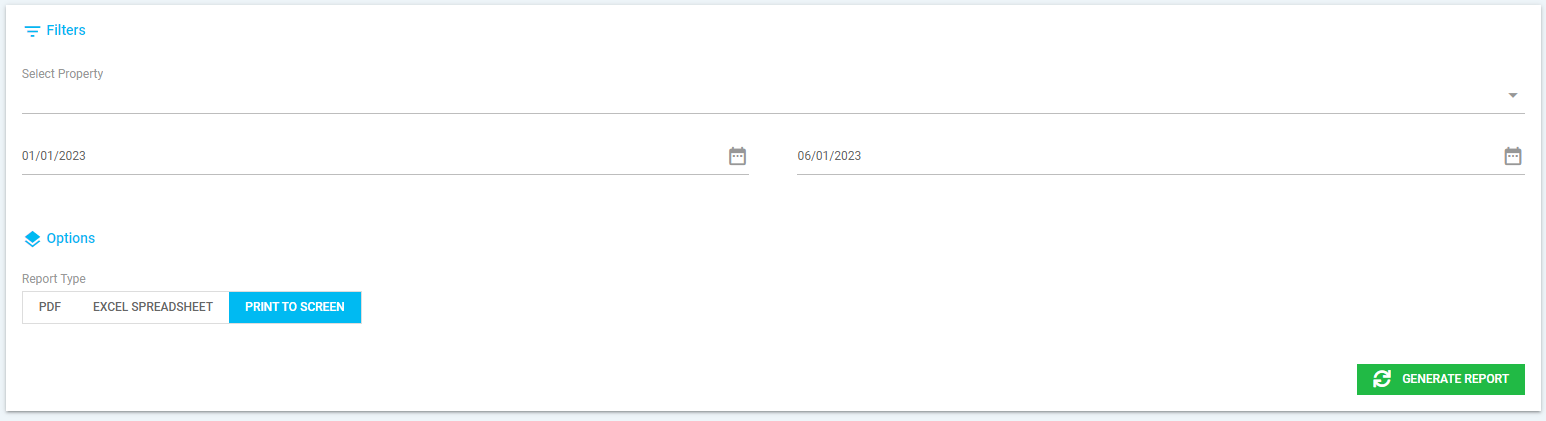
This report can be filtered to suit and allows you to:
- Search by portfolio or date range
- Option to select PDF, excel worksheet or print to screen as the report type
- Click 'Generate Report' to generate the report
Contractors Insurance
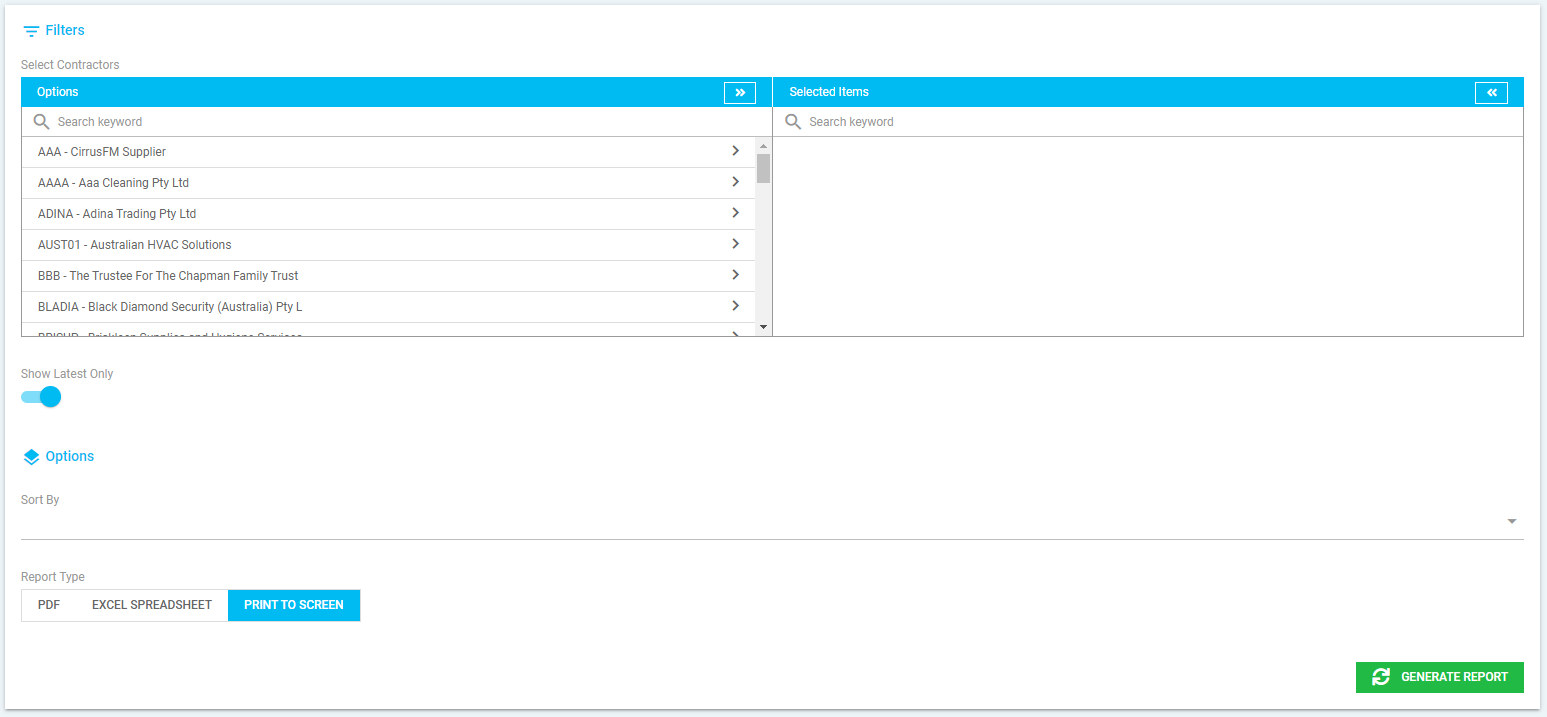
This report can be filtered to suit and allows you to:
- Search by contractors
- Allow you only show the latest insurances on the report by turning on the toggle
- Option to sort by contractors and select PDF, excel worksheet or print to screen as the report type
- Click 'Generate Report' to generate the report
Was this article helpful?
That’s Great!
Thank you for your feedback
Sorry! We couldn't be helpful
Thank you for your feedback
Feedback sent
We appreciate your effort and will try to fix the article